
C.A.T4 And Genny4 Selector
Choose The Right C.A.T4 And Genny4 Setup.
C.A.T4 is the locator family. Genny4 is the signal generator that helps the locator find more utilities, especially small cables, telecoms, street lighting and spurs before excavation.
Quick decisionStart with C.A.T4 for avoidance, choose “+” for depth, choose “e” for records, choose “g” for GPS and online monitoring, then add Genny4 for active locating.


Fast passive sweep
Use Power and Radio modes for a quick avoidance sweep when no transmitter setup is available.
More utilities found
Use Genny4 when the target may not radiate a strong passive signal, especially telecoms, street lighting, spurs and smaller cables.
Better signal application
Use direct leads, clamps, live connectors, earth accessories and bags to suit the connection point and site workflow.
Model Selector
What Is The Difference Between Each C.A.T4 Variant?
Use the model code as the decision point. The higher models add depth, records, GPS and management workflows rather than changing the basic avoidance purpose.
Standard Cable Avoidance
- Best for
- Daily excavation checks where the team needs a simple cable avoidance locator.
- Main difference
- Standard model in the C.A.T4 range. Pair with Genny4 to find more buried utilities faster.
PowerRadioGenny signal
Avoidance With Depth
- Best for
- Sites where operators need depth measurement to help identify the route of buried utilities.
- Main difference
- Same locating performance as C.A.T4, with depth measurement added.
Depth readoutStrikeAlertAvoidance Mode
Usage Records And CALSafe
- Best for
- Fleets that need service due control, calibration discipline and local C.A.T Manager reporting.
- Main difference
- Adds recorded usage data workflows for supervisors using C.A.T Manager for PC.
Usage logsCALSafeeCert
GPS And Online Monitoring
- Best for
- Contractors who need location-linked usage evidence and near real-time operator monitoring.
- Main difference
- Adds GPS/GNSS position to usage data and Bluetooth transfer to C.A.T Manager Online.
GPS/GNSSBluetoothCloud reporting
Genny4 Decision
When Should The C.A.T4 Be Used With Genny4?
Use C.A.T4 for the sweep. Add Genny4 when a stronger, applied signal is needed to improve confidence and find smaller or harder-to-detect utilities.
Avoidance Mode
Sweep using Power, Radio and Genny signals together to speed up the initial site scan.
Genny4 Dual Frequency
Genny4 outputs dual frequencies simultaneously to help locate small diameter cables and spurs.
Signal Boost
Genny4 Signal Boost increases output power for extra distance, depth and easier coupling.
Direct / Clamp / Live Connection
Apply a stronger Genny signal through the connection method that suits the utility and access point.
Safety And Fleet Control
Features That Help Reduce Strikes And Improve Practice.
StrikeAlert
Audible and visual warning helps reduce the risk of hitting shallow cables.
Dynamic Overload Protection
Rejects electrical interference so the locator can keep working near substations and power cables.
Real Sound
Audio derived from the detected signal helps operators distinguish utilities while locating.
High Visibility Display
High contrast display and automatic backlight help minimise misreadings in changing light.
SWING Warning
Model-dependent warning helps identify incorrect locating technique and stores the event in logs.
C.A.T Manager
PC and Online tools support usage reporting, firmware, calibration records and fleet monitoring.
Recommended Kit
Accessories For A Complete C.A.T4 And Genny4 Setup.
Signal generator
Genny4 Transmitter
Dual-frequency transmitter for locating small cables, telecoms, street lighting, spurs and utilities that need an applied signal.
Works with
View accessoryC.A.T4C.A.T4+eC.A.T4gC.A.T4

Clamp
Genny Clamp
Applies a Genny signal where direct connection is not possible, including suitable live cable work.
Works with
View accessoryGenny4C.A.T4 range

Connection kit
Genny Connection Kit
Direct connection lead, ground stake, earth lead and magnet accessories for stronger signal application.
Works with
View accessoryGenny4C.A.T4 range
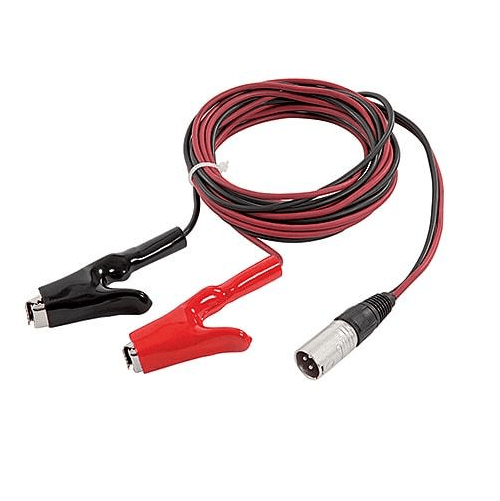
Direct connect
Genny Direct Connection Lead
Connects the Genny signal directly to a pipe or cable using crocodile clips.
Works with
View accessoryGenny4
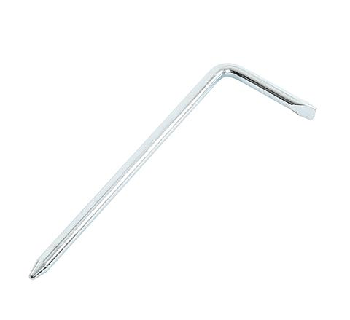
Ground return
Earth Stake
Provides an earth return path when using direct connection with Genny4.
Works with
View accessoryGenny4

Ground extension
Earth Reel
Extends the earth return lead when a suitable local earth point is not close enough.
Works with
View accessoryGenny4

Live cable
Live Cable Connector
Applies a Genny signal to suitable live cables; use by qualified personnel only.
Works with
View accessoryGenny4
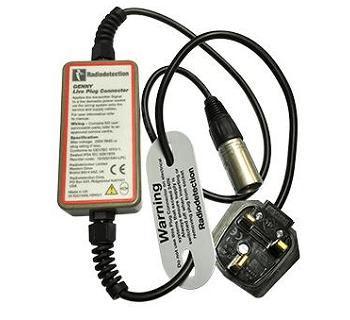
Street distribution
Live Plug Connector
Applies a Genny signal through a standard mains socket for street distribution cable locating.
Works with
View accessoryGenny4

Kit transport
C.A.T Soft Carry Bag
Carries C.A.T, Genny and accessories as a practical field kit.
Works with
View accessoryC.A.T4 rangeGenny4
Product Specs
Decision Specs At A Glance
These are the model and workflow differences that matter when selecting a C.A.T4 kit.
| Brand | Radiodetection |
| Category | Cable Avoidance Tool |
| Locator range | C.A.T4, C.A.T4+, eC.A.T4, eC.A.T4+, gC.A.T4, gC.A.T4+ |
| Signal generator | Genny4 transmitter with simultaneous dual-frequency signal output and Signal Boost |
| Passive locating | Power and Radio modes |
| Active locating | Genny signal, direct connection, clamp, live cable connector and live plug connector workflows |
| Depth option | C.A.T4+ and gC.A.T4+ add depth measurement |
| Data options | eC.A.T4 and gC.A.T4 models support usage records; gC.A.T4 adds GPS/GNSS and Bluetooth workflows |
| Safety features | StrikeAlert, SWING warning, Dynamic Overload Protection, high visibility display, CALSafe and eCert options |
| Local support | Model advice, training, calibration and repair in Malaysia |
Resources
Product Documents
C.A.T4 & Genny4 Range BrochureDownload PDFC.A.T4 User GuideDownload PDFC.A.T4 Technical SpecificationDownload PDFC.A.T Accessories BrochureDownload PDFgC.A.T4 Sales SheetDownload PDFC.A.T4 Declaration of ConformityDownload PDFgC.A.T4 Declaration of ConformityDownload PDFeC.A.T4 Declaration of ConformityDownload PDFThe Theory of Buried Cable & Pipe LocationDownload PDF
Radiodetection Range
View the locator rangeRelated Locators
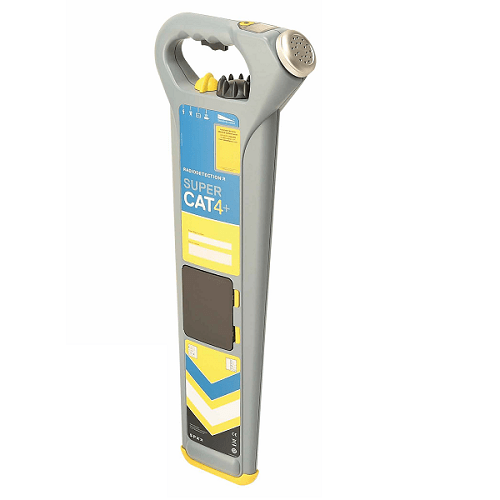
Radiodetection
SuperCAT4+ Pipe Cable Locator
SuperCAT4+ range of locators and transmitters uses a selection of passive, sonde and active frequencies to target specific buried assets
View details
Radiodetection
RD8200 Pipe Cable Locator
The new RD8200 all industry pipe cable locator is a no compromise all-industry locator, designed for accurate and effective every day use.
View details
Radiodetection
RD7200 Pipe Cable Locator
The new RD7200 an all-industry locator, designed for accurate and effective locating of buried utility, protecting users and infrastructures.
View details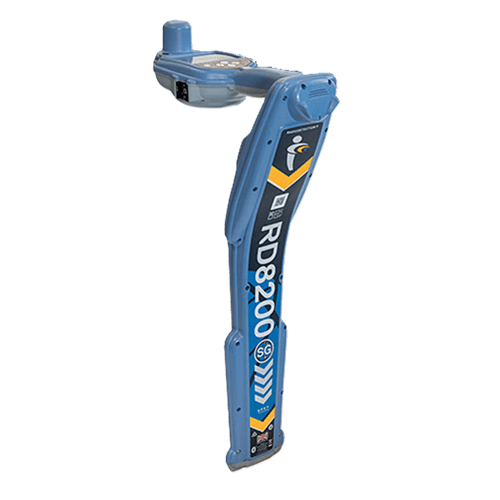
Radiodetection
RD8200SG Survey Grade Locator
RD8200SG helps you view and build your map as you go along using a mobile app. Flexible solution, can work with any correction service provider and mapping solution.
View details
Radiodetection
RD312 Metal Locator
RD312 is a low entry metal locator suitable for locating buried metal object such as metal cover locator and valves
View details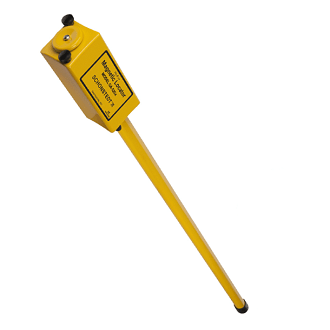
Schonstedt
GA-52Cx Magnetic Locator
The Schonstedt GA-52Cx Locator detects the magnetic field of iron and steel objects such as manhole cover and valve
View details
Schonstedt
GA-72Cd Magnetic Locator
Schonstedt GA-72Cd magnetic locator is designed to detects the magnetic field of iron and steel objects such as manhole cover and valve.
View details
Schonstedt
Maggie Magnetic Locator
Schonstedt Maggie Magnetic Locator for locating magnetic and metal object such as manhole cover and valves
View details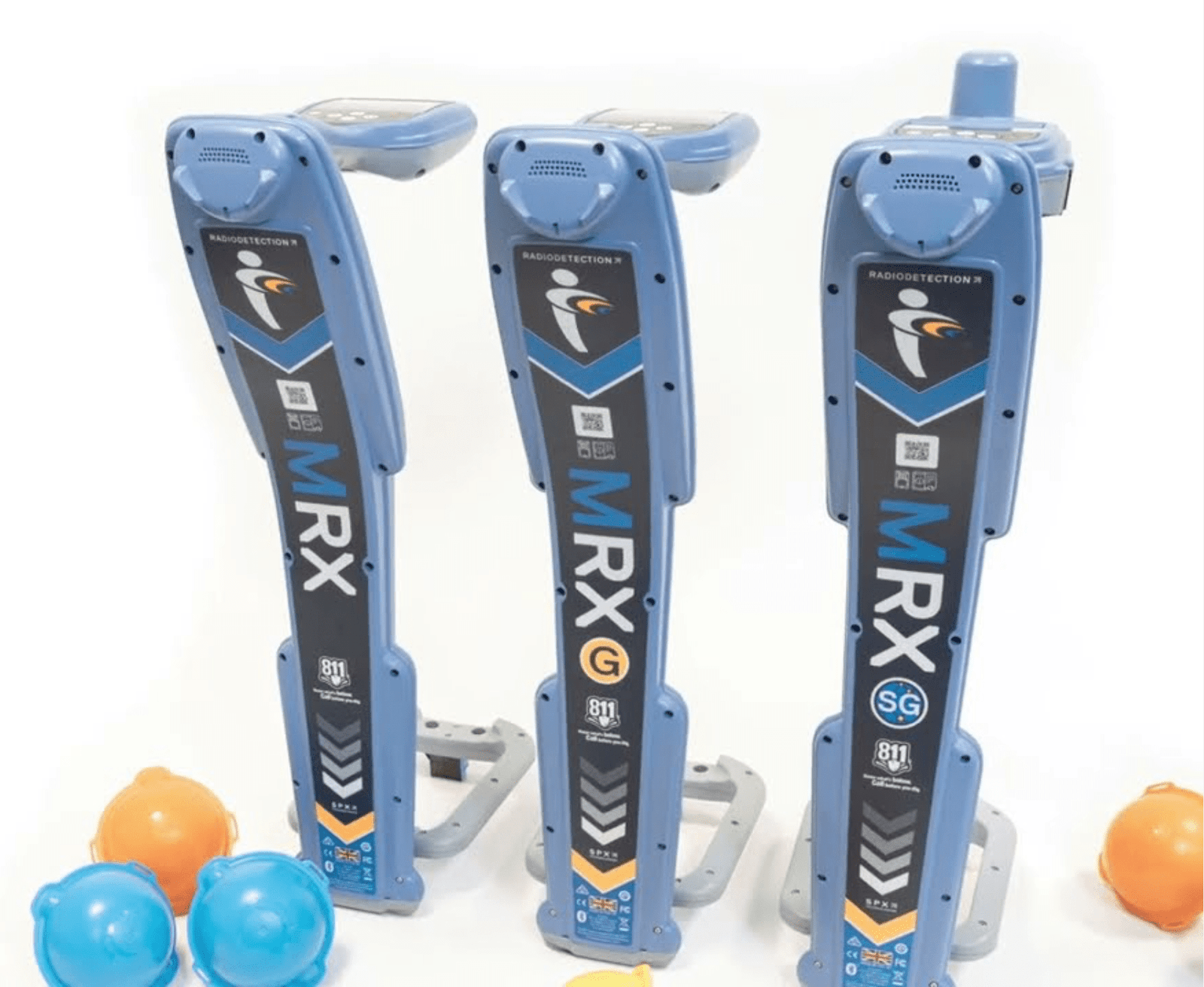
Radiodetection
MRX RF Marker Locator
Radiodetection MRX RF Precision Marker Locators, offering optional data logging and survey grade GPS. Buying Guide: A standard kit comes with a Locator, Transmitter and Soft Carry Bag. Refer to the table below for reference on the options available. ADD ON: + Signal Transmitter + More Locator Accessories
View details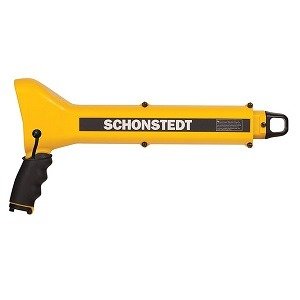
Schonstedt
Schonstedt GA-92XTD Magnetic Locator
The Schonstedt GA-92xtd Locator detects the magnetic field of iron and steel objects such as manhole cover and valve
View details
Schonstedt
Schonstedt Spot Magnetic Locator
SPOT Magnetic Locator, offers accuracy and ease of use in a sleek, light weight package with improved ergonomics.
View detailsConfigure C.A.T4
Choose The Locator Level, Then Build The Genny4 Kit Around The Site.
RD-Palmer can advise on C.A.T4 model selection, Genny4 accessories, operator training, calibration and local service requirements.